Set the interlock rules
The topological interlock rules come with defaults that suit most substations. Change them when the operation of the plant requires it: for example, set Device loses supply to Unlockable where every outage must be confirmed, or a rule to Locked where no override may ever be possible. For what each rule checks, see Topological interlocking.
Before you begin
- The project is open in the screen editor, with a page that has electrical symbols.
- Changing the settings needs the right to edit the project.
Steps
1. Open the interlocking settings
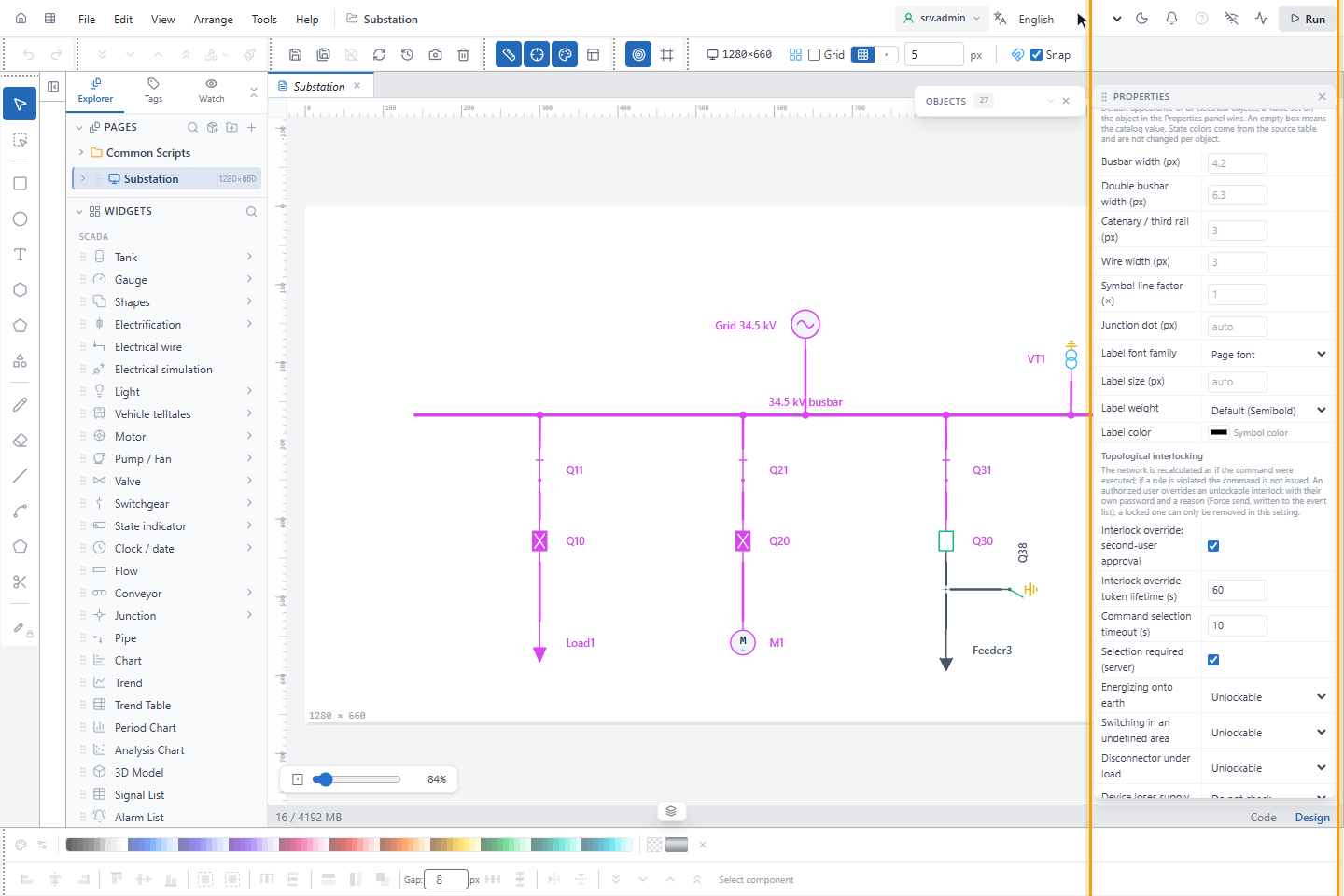
Click an empty place on the canvas. In PROPERTIES, scroll to ELECTRICAL › COLORING and further down to Topological interlocking.
2. Choose the rule levels
Each rule has a list: Do not check, Unlockable or Locked.
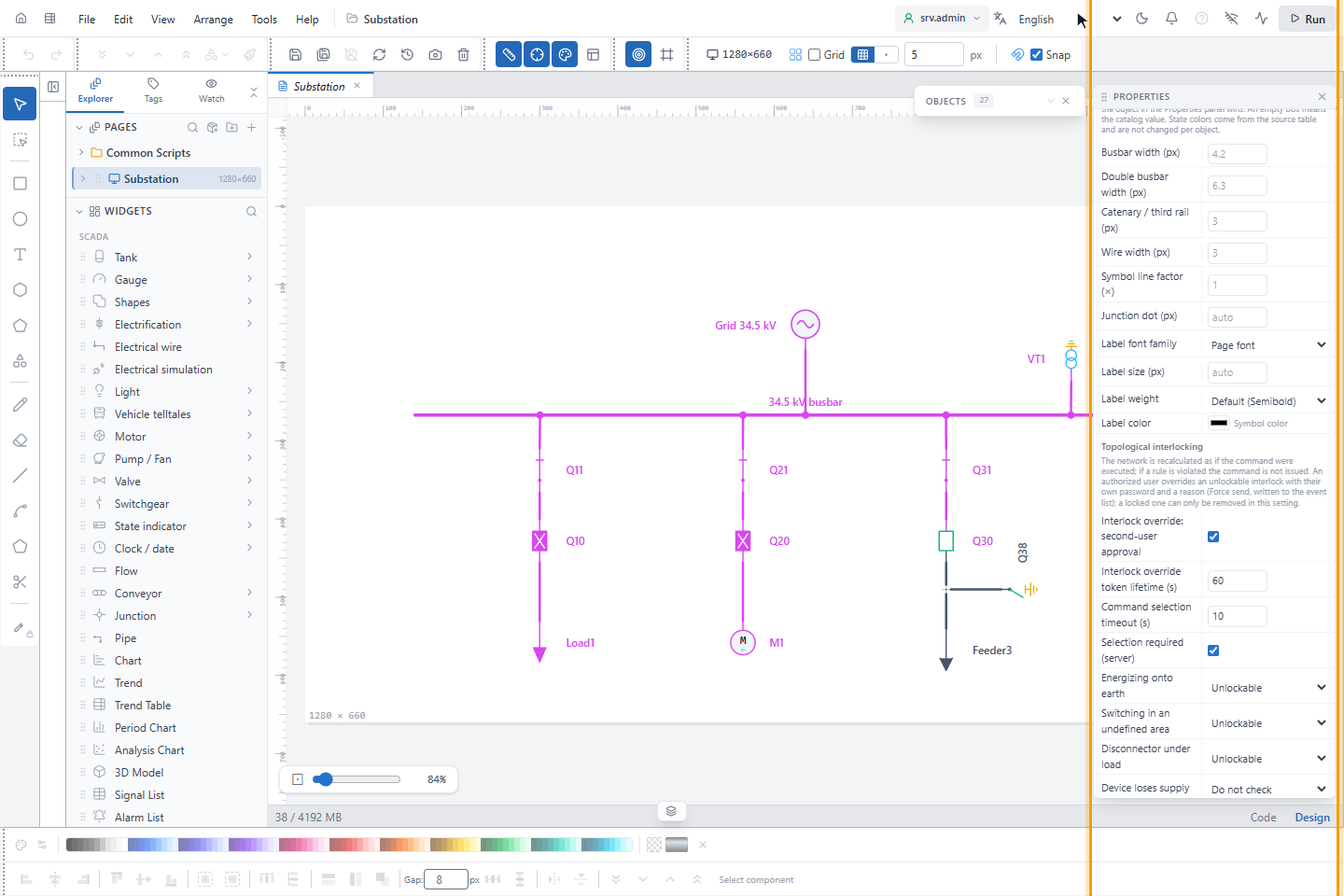
| Rule | Default |
|---|---|
| Energizing onto earth | Unlockable |
| Switching in an undefined area | Unlockable |
| Disconnector under load | Unlockable |
| Device loses supply | Do not check |
| Undefined area grows | Unlockable |
| Joining different networks | Locked |
| Joining different voltage levels | Locked |
| Possible join | Unlockable |
Prefer Locked to Do not check when you want to forbid an operation: Do not check removes the protection entirely.
3. Set the override and selection settings
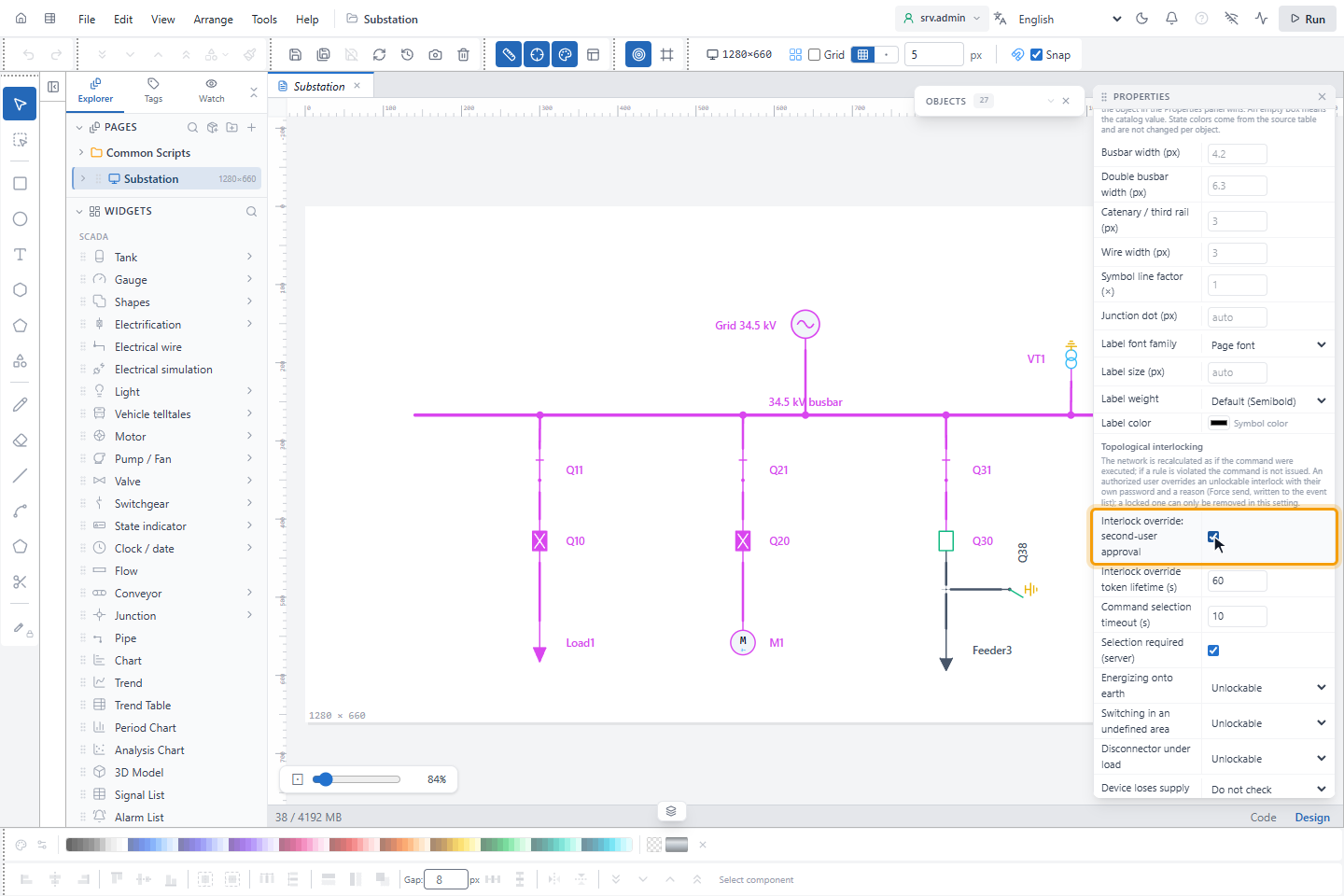
| Setting | Default | Meaning |
|---|---|---|
| Interlock override: second-user approval | on | Overriding an interlock needs a second user's approval. Overriding a safety interlock should be a decision of two authenticated people. |
| Interlock override token lifetime (s) | 60 | 10–300. After the passwords are entered, the command must be sent within this time, so that an old decision is not used after the field has changed. |
| Command selection timeout (s) | 10 | 3–120. A selected command that is not confirmed within this time is dropped. IEC 60870-5 select times are 10–30 s; a short time stops a forgotten selection from being confirmed later. |
| Selection required (server) | on | The server sends a device command only if the device was selected in the control panel first; two operators cannot control the same device at the same time. |
Topological alarms
Below the rule levels, Topological alarms sets the priority of the alarms raised by the topology service, per alarm type. Each type has a list: Default, Off (only where allowed), Low, Medium, High and Critical. Default keeps the priority in the table; the tooltip of each row shows it. A fixed priority replaces it.
| Type | Default priority | Off allowed |
|---|---|---|
| Confirmed conflict | By rule level: Locked → critical, Unlockable → high | No |
| Possible conflict | By rule level: Locked → medium, Unlockable → low | Yes |
| Fault zone | Short circuit critical, earth fault high | No |
| Island operation | Medium | Yes |
| Measurement ↔ topology mismatch | High | Yes |
| Unsupplied load | By consumer criticality: normal low, important high, critical critical; see Set the consumer criticality | Yes |
Confirmed conflicts and fault zones are safety alarms: they cannot be switched off, only their priority can be changed.
Result
Save the project (Ctrl+S). The new levels apply to the next command, on the screens and on the server. Try them with the electrical simulation.