Images and SVG
An Image shows a picture such as a site plan or a photo; an SVG shows a vector drawing whose parts you can color and animate from signals. Both keep their files in the project.
Before you begin
- A page is open in the screen editor.
- The picture is a PNG, JPEG, GIF, WebP, BMP, ICO or SVG file of at most 25 MB.
Steps
1. Choose an image
Click Image in the Form / HTML group and draw a box. In the properties click Choose Image… in the Image row: Choose Image opens with two tabs, Library (shared images of the server) and This Project. Load uploads a file from your computer; the image is placed at once.
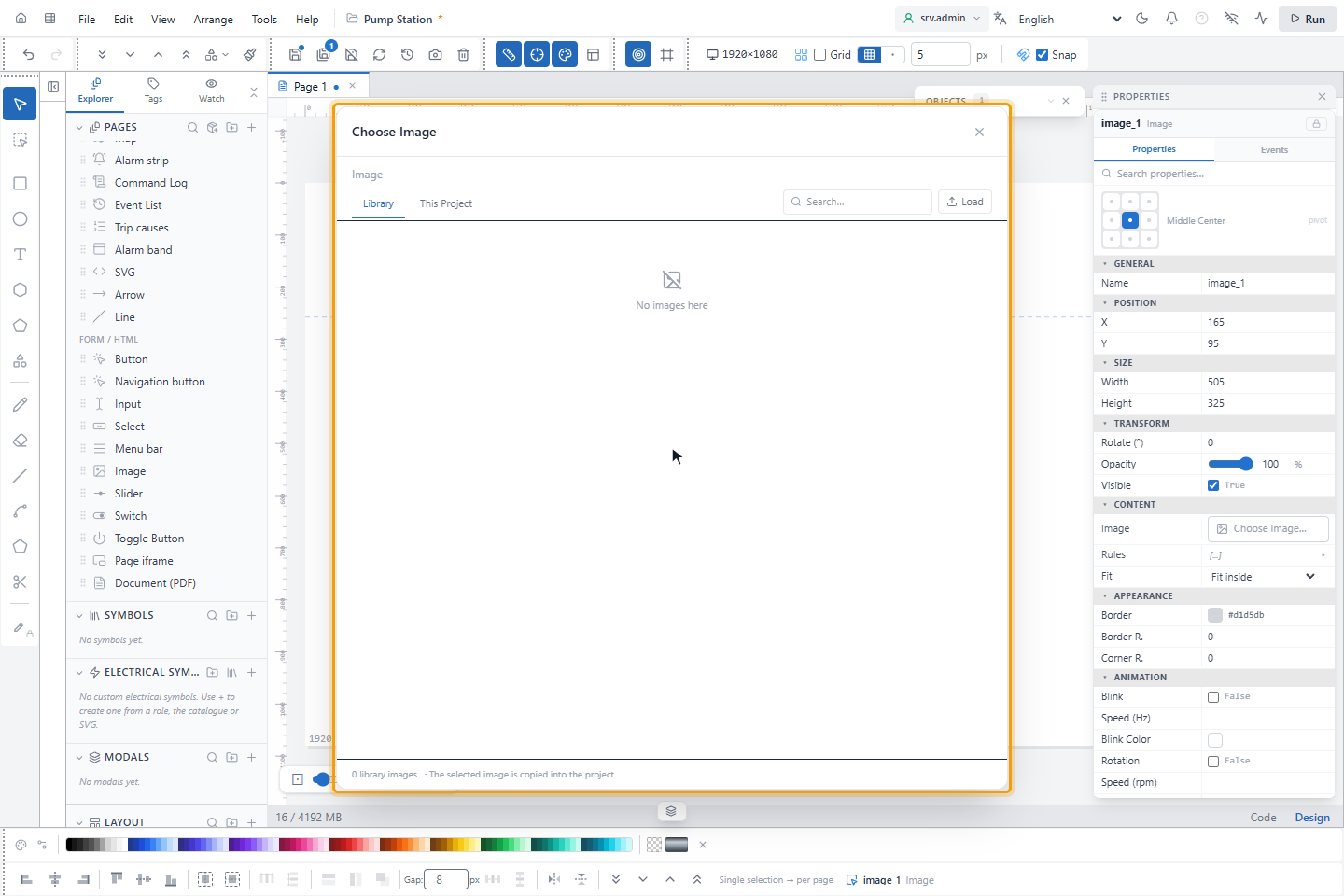
An image taken from the Library is copied into the project. Remove in the dialog, or the ✕ next to the image, clears the image of the object; the file stays in the project.
2. Fit and frame
Fit sets how the picture fills the box:
| Fit | Effect |
|---|---|
| Fit inside | The whole picture, aspect ratio kept (default) |
| Fill (crop) | Fills the box, aspect ratio kept, edges cut |
| Stretch (distorts) | Fills the box exactly |
Border, Border R. (border width) and Corner R. frame the picture; the reset button next to the image sets the box back to the picture's own size.
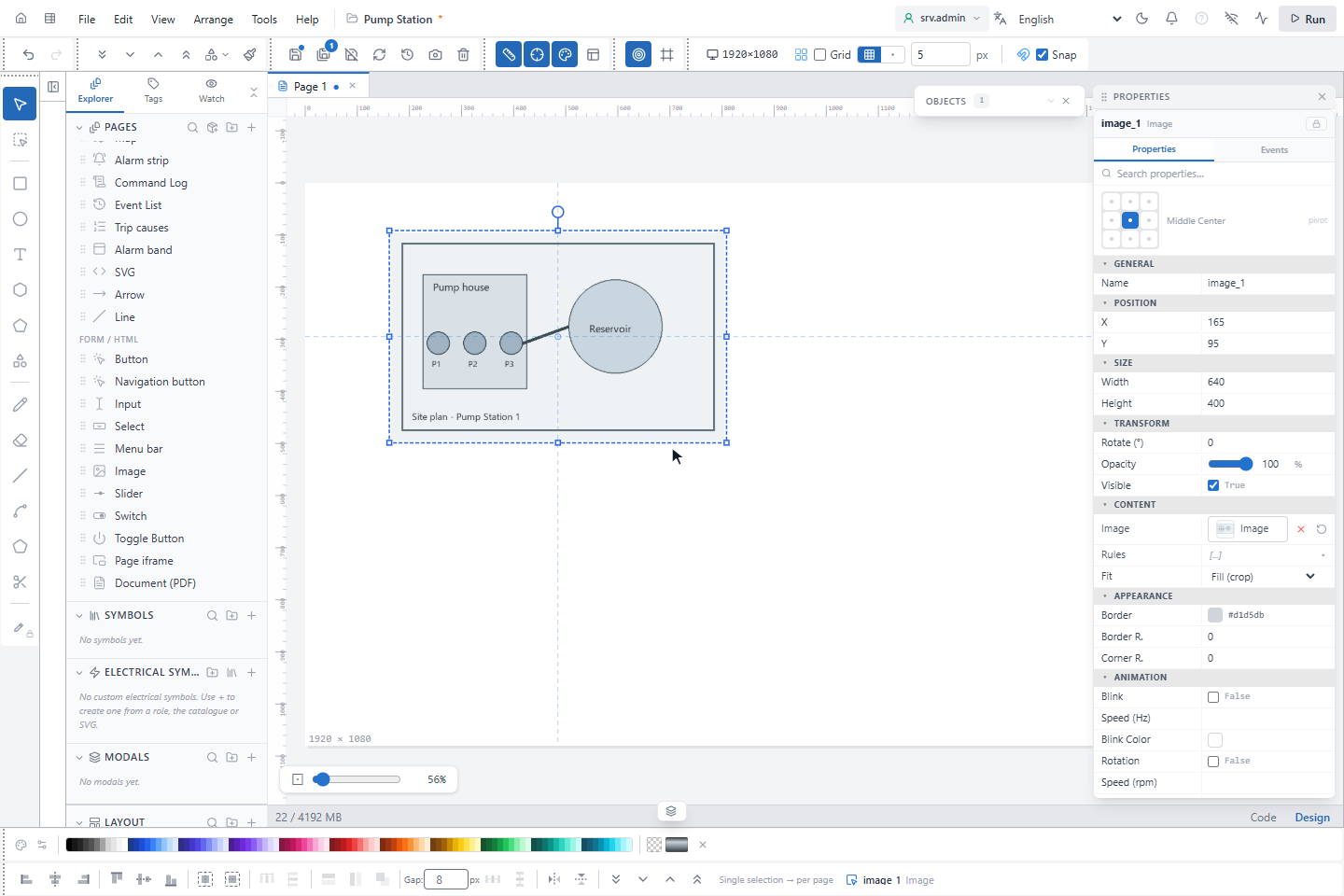
Rules in the Content group shows a different picture for each state of a signal, for example a red and a green lamp photo. The rules are evaluated only while the page runs; the editor shows the picture chosen in Image.
3. Load an SVG
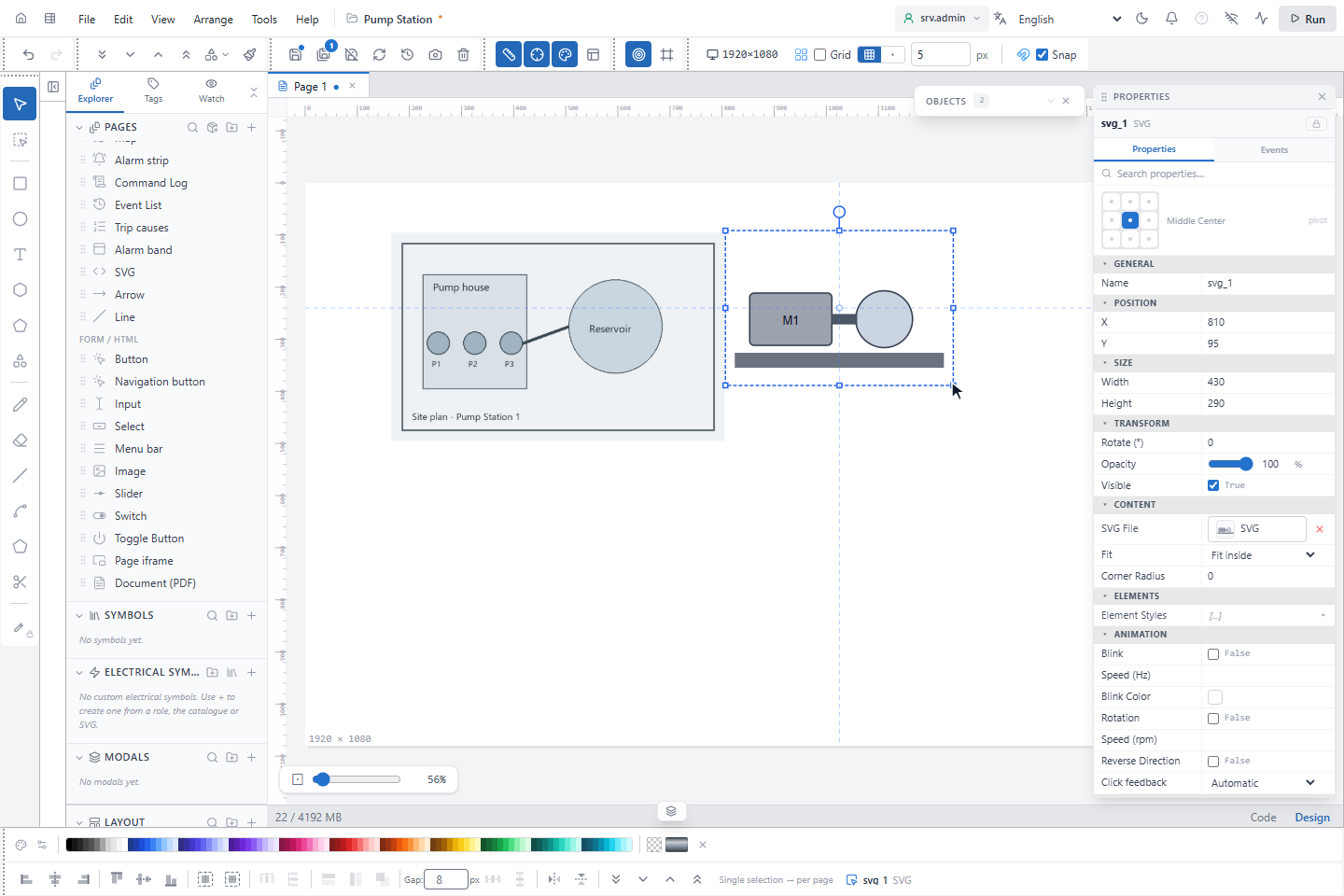
Click SVG in the SCADA group, draw a box and click Load SVG… in the SVG File row. Choose the file. The editor gives every element of the drawing a name and lists their colors and lines under Element Styles.
4. Style an element
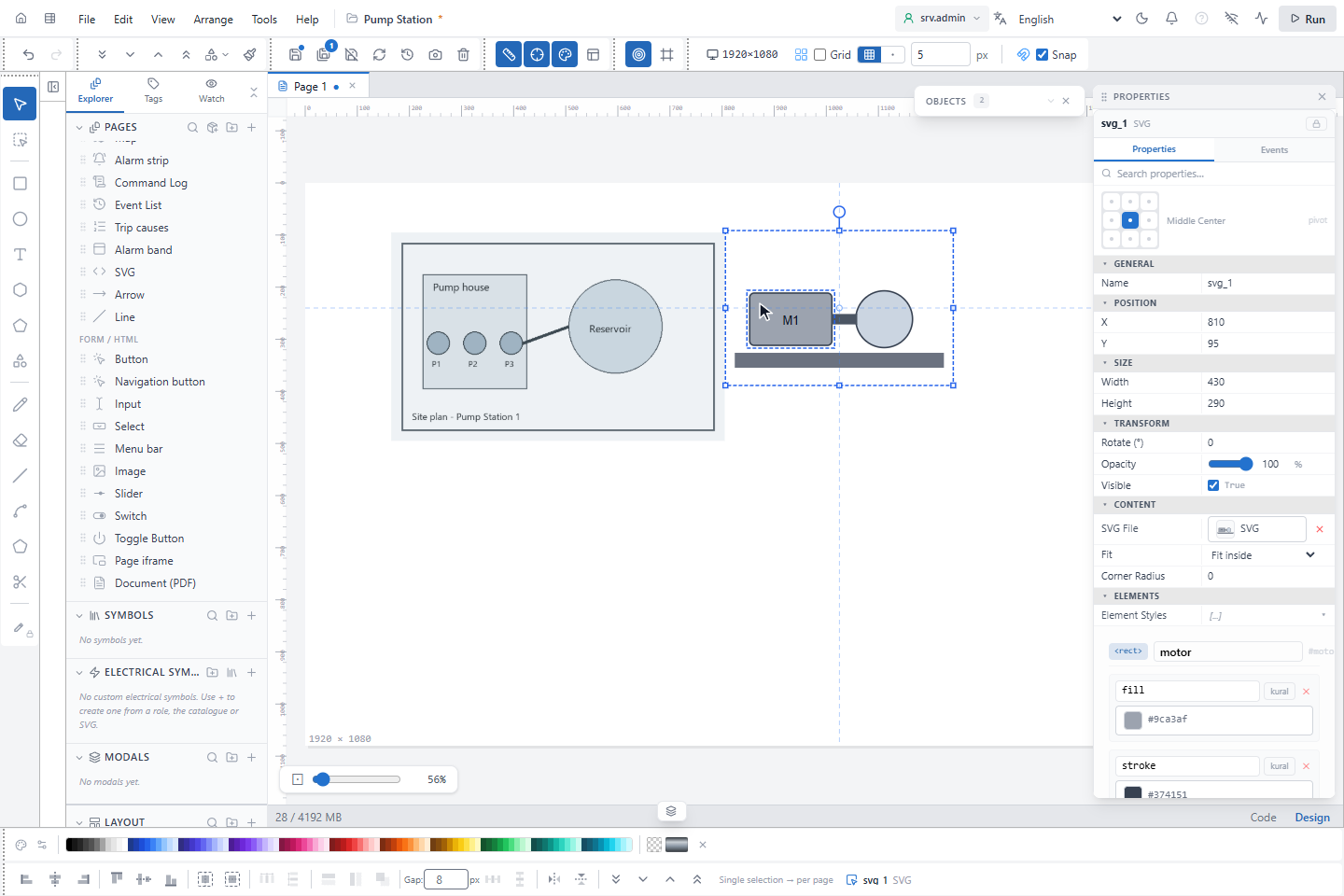
Open Element Styles and click an element of the drawing, here the motor body. Its properties are listed, such as fill and stroke. Change the value, or click the rule button to switch the property to rules that follow a signal. + Add CSS property adds another property; text elements have a Text Content block.
+ Add spin animation turns an element, for example a fan: Continuous or With tag (a run signal), at a Fixed RPM or from a Speed Tag, in either Direction. While the signal of a rule has no value the element keeps its original look; an element that spins from a signal is shown grey and still.
Good to know
- Scripts, event attributes, external links and embedded pages are removed from SVG files; a file that cannot be read is not shown.
- BMP files are stored as PNG. A file uploaded twice is stored once.
- When you paste objects into another project, their images are copied into that project.
- To add a picture, use Choose Image… or Load SVG….