Clock, document and page frame
Three objects bring other content onto a screen: Clock / date shows the time, Document (PDF) shows a PDF file such as an operating procedure, and Page iframe shows another page of the project inside a box.
Before you begin
- A page is open in the screen editor.
- For a page frame, the project has a second page; here Pump detail.
Steps
1. Place a clock
Click Clock / date in the palette and pick Digital clock, Date and time, Date or Analog dial; here Date and time. In the Clock group:
| Setting | Values |
|---|---|
| Show seconds | On by default |
| Date format | dd.mm.yyyy, yyyy-mm-dd (ISO 8601) or Long (with day and month names) |
| Time zone (empty = this computer) | An IANA name such as Europe/Istanbul or UTC; here Europe/Istanbul |
| Show time zone | Writes the zone under the time |
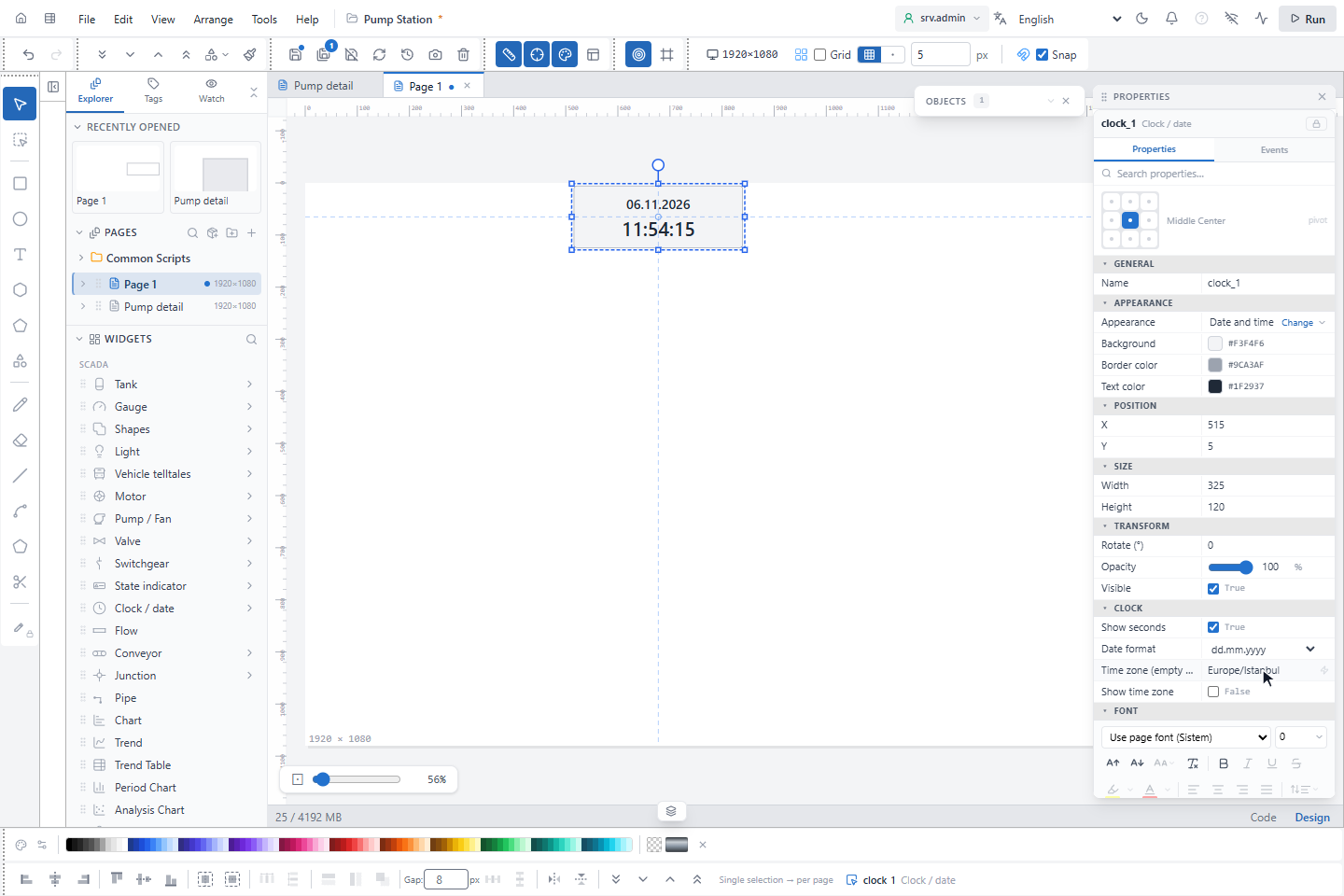
The clock uses the clock of the operator's computer, always in 24-hour format. A time zone name that is not valid
shows --:--:-- with a dashed frame instead of a wrong time. Appearance changes the variant later.
2. Show a PDF
Click Document (PDF) and draw a box. Click Upload PDF… in the PDF file row and choose the file (at most 25 MB). Set Start page, Appearance (Fit page width, Fit page or Viewer default) and Toolbar.
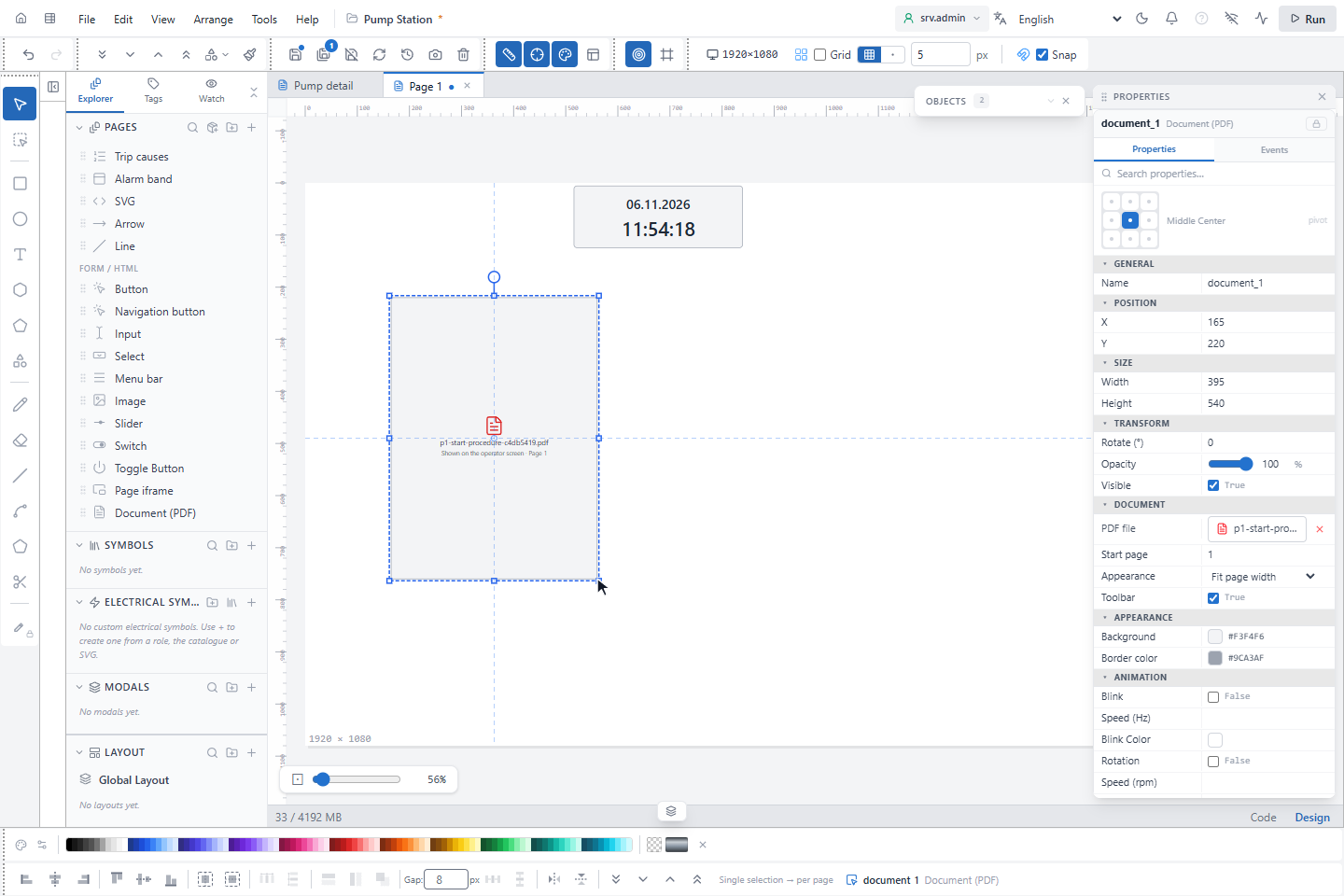
The editor shows only the file name. On the operator screen the PDF opens in the browser's viewer inside the box, with its own page, zoom and print controls when Toolbar is on.
3. Embed a page
Click Page iframe, draw a box and choose the page under Page, here Pump detail. The ↗ button next to it
opens that page. Fit is fit (whole page, proportions kept), stretch (fills the box) or scroll (real size,
scrolled inside the box).
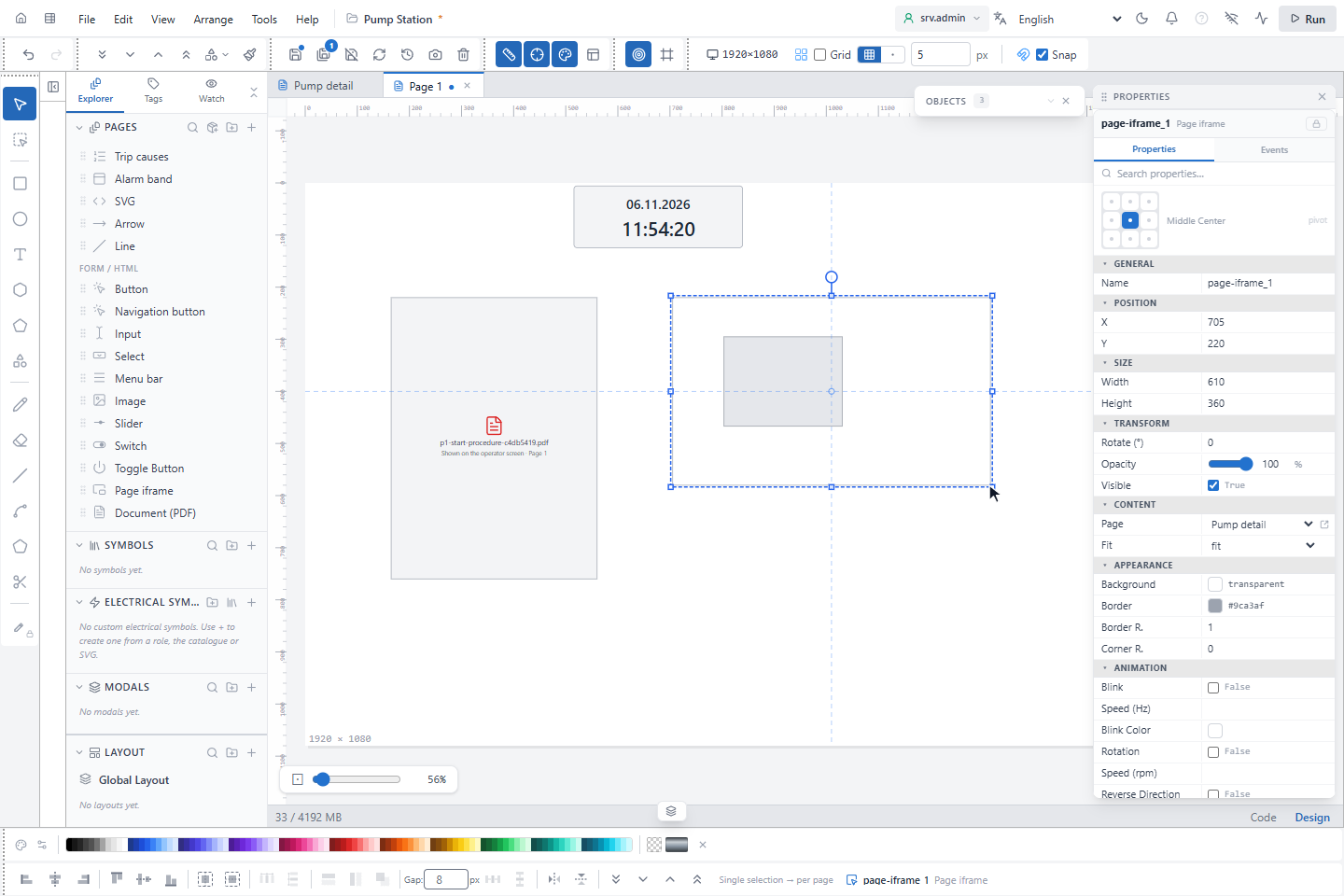
The embedded page is live on the operator screen: its values update and its click actions work. In the editor the box is one object; the objects inside it cannot be selected.
Good to know
- A page cannot show itself, directly or through other frames, and frames can be nested three deep.
- Users who may not open the embedded page see You are not allowed to view this page in the box.
- Scripts of the embedded page that run on page open, on a timer or on signal change run only on the page itself.