Your first signal - an internal signal
In this tutorial you create your first signal. It is an internal signal: YTCC keeps its value itself, so you need no device or driver. Later tutorials draw it on a screen and change its value.
Before you begin
- You have a project, for example
Pump Station. See Create your first project. - Your user may edit the configuration. With user login off, everybody may.
Steps
1. Open the configuration editor
On the home page, right-click the project and choose Configuration editor. The configuration editor opens in a new browser tab, on the Signals list. A new project has no signals yet.
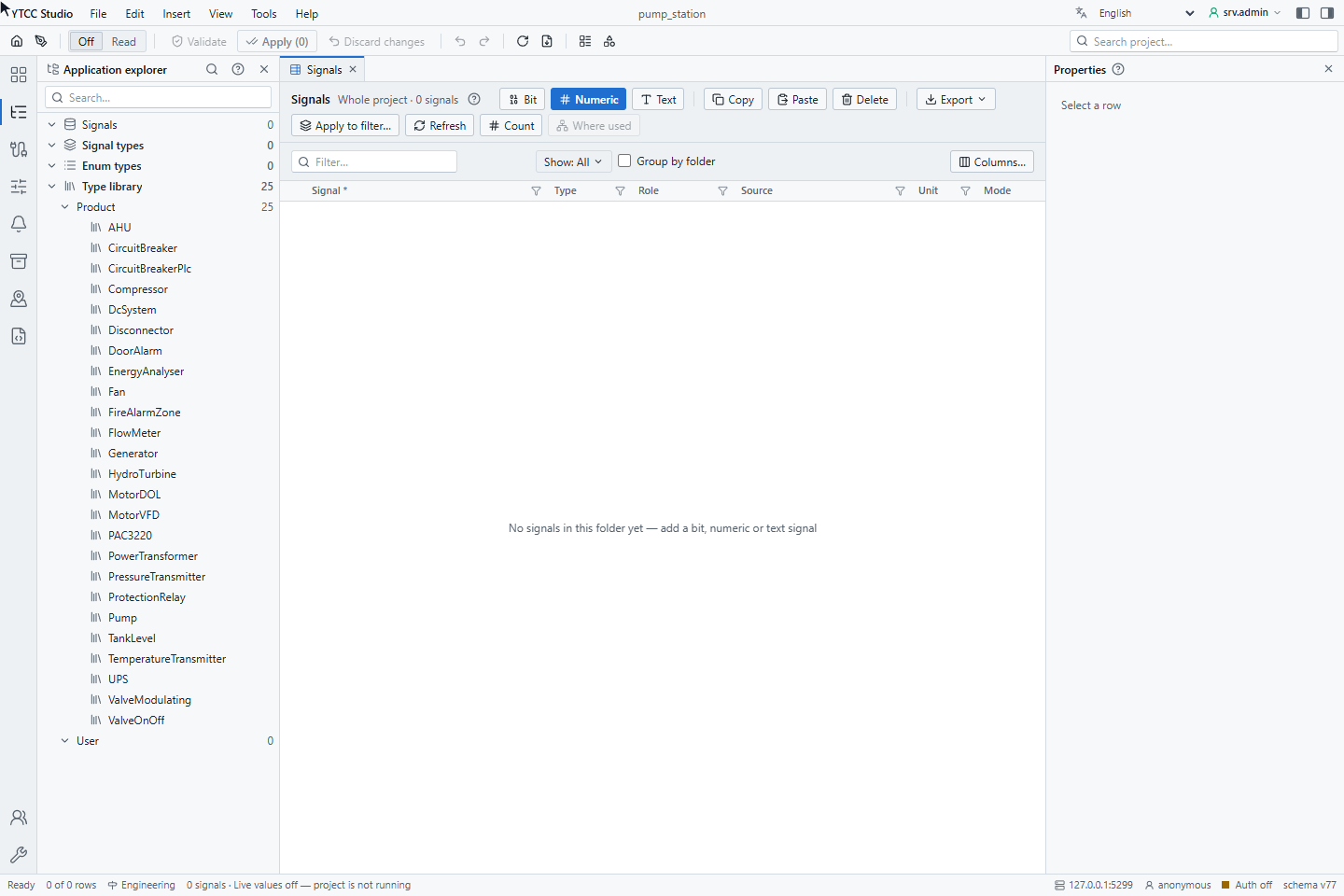
2. Add a numeric signal
Click Numeric in the toolbar of the Signals list. A new row appears at the top under New — not applied, with
its name selected. Type Level_Setpoint and press Enter.
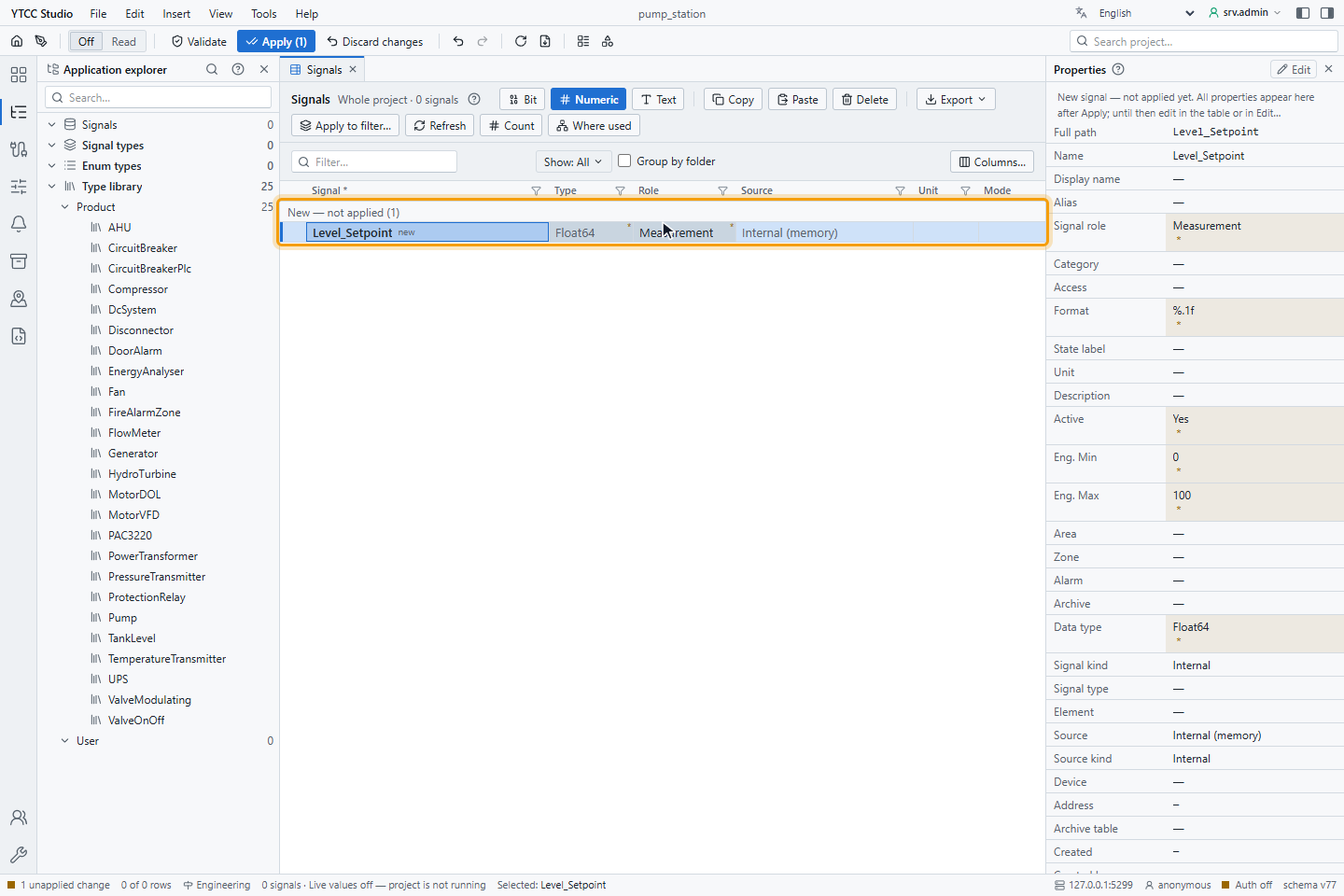
The row shows the type Float64, the role Measurement and the source Internal (memory). The status bar at the
bottom says 1 unapplied changes: the signal exists only in the editor so far. A name starts with a letter or _
and contains only letters, digits and _.
3. Apply the change
Click Apply (1) in the toolbar, or press Ctrl+S. The Validate changes window checks the
change on the server and lists it. It says No errors, and under Affected drivers it shows that int, the driver
of internal signals, will be reloaded without a restart. Click Apply.
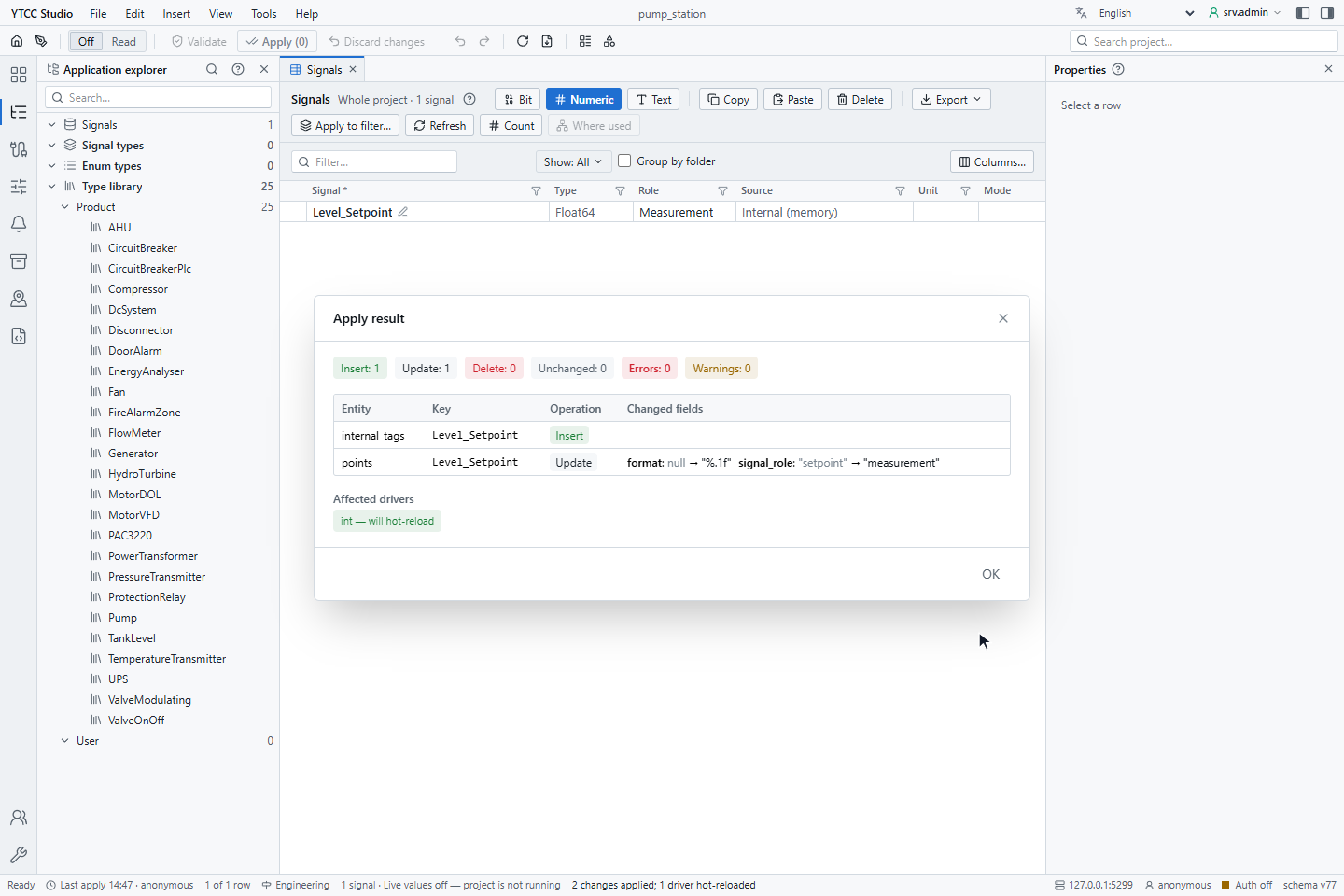
The Apply result window confirms the change. Click OK. The status bar now says Ready and shows the time of the last apply.
4. Check where the value comes from
Click the signal's row and press Enter to open its Signal properties window. Open the Value source tab:
- Value source (kind) is Memory — holds a value (operator/script writes): the value is kept by YTCC and changed by an operator, a screen or a script.
- On startup is Keep last value: after a restart the signal has its last value again. Initial value (
0.0) is used when there is no last value yet.
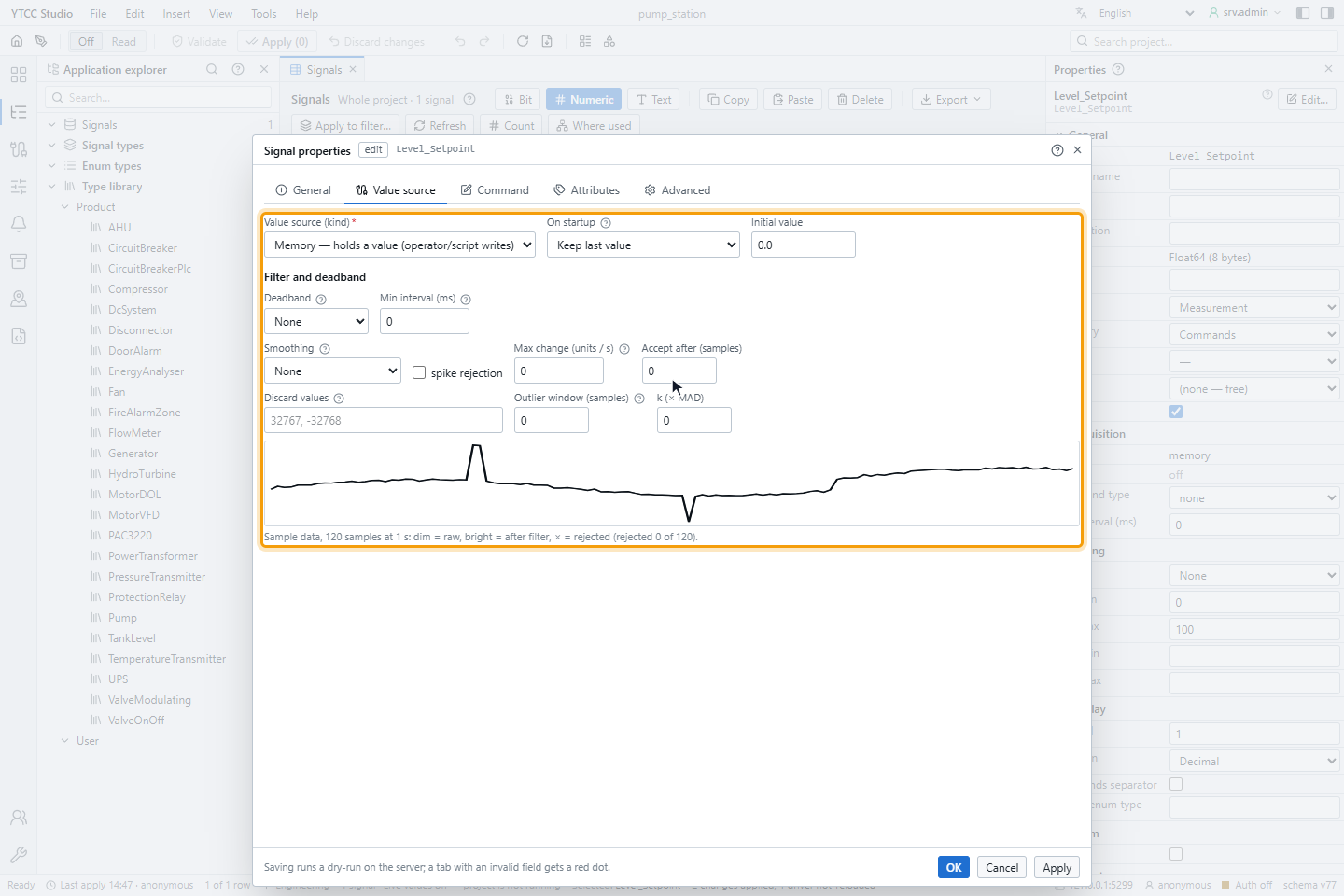
Click Cancel to close the window without changes.
Result
The project has the signal Level_Setpoint, an internal numeric signal with the value 0.0. Its value is visible in the
Value column of the Signals list while the project is running.
Next steps
- Create signals describes every way to add a signal and every field of the Signal properties window.